DoseChime is an iOS app for medication reminders and family profiles. Core data stays on your device, with local notifications and optional backup/export where the app provides it.
✨ Core Features
The sections below match the planned iOS feature set (profiles, medications, notifications, today list, inventory, calendar & stats, settings & backup) for users and review.
👤 Profiles
Create / edit / delete · Switch active profile · Avatar and basic info
💊 Medications & reminders
Add / edit / delete medications · Dose and meal timing (before / after / with meal, etc.) · Daily times and weekday rules · Per-medication reminder toggle · Local scheduled notifications (subject to OS permissions)
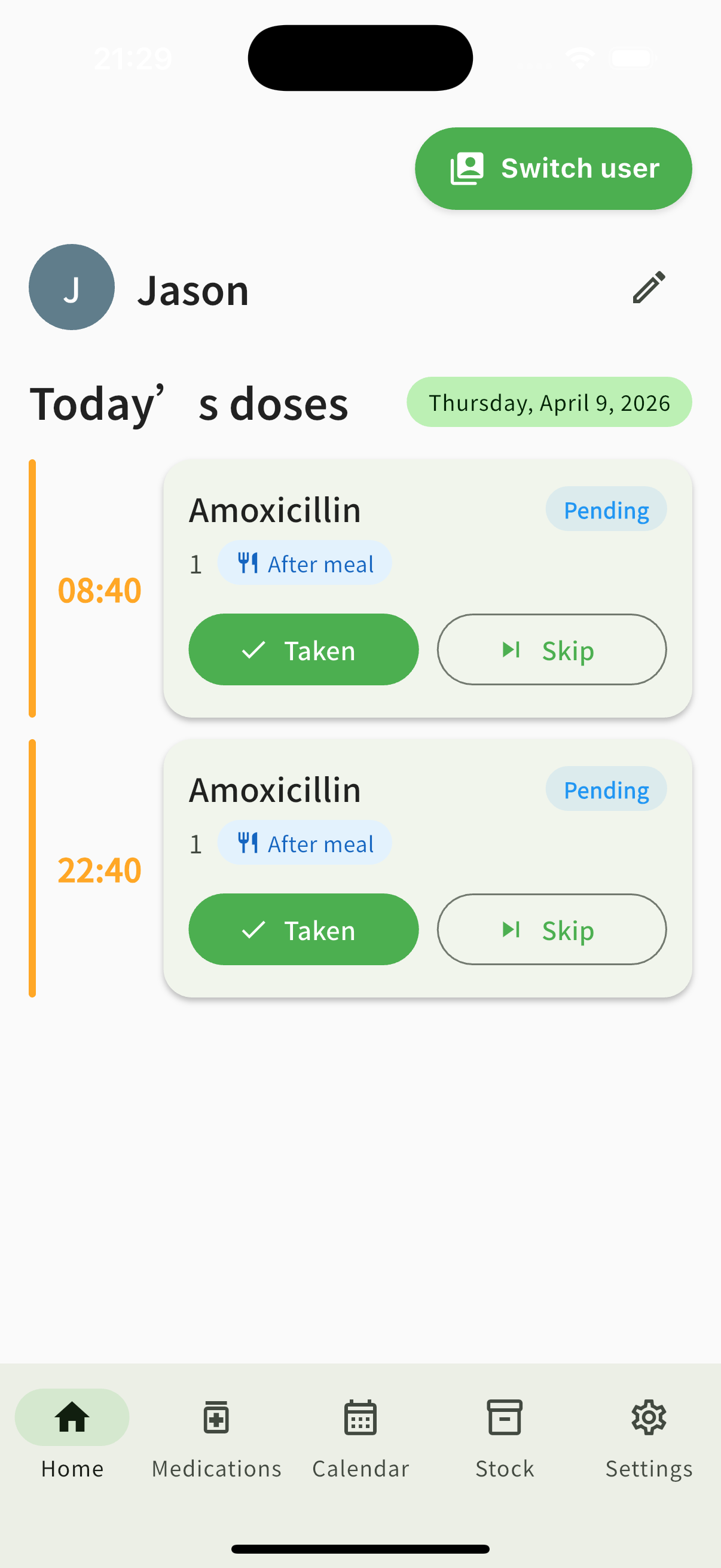
✅ Today (home)
Today’s dose list and timeline · Mark taken (updates stock) · Skip · Missed when overdue
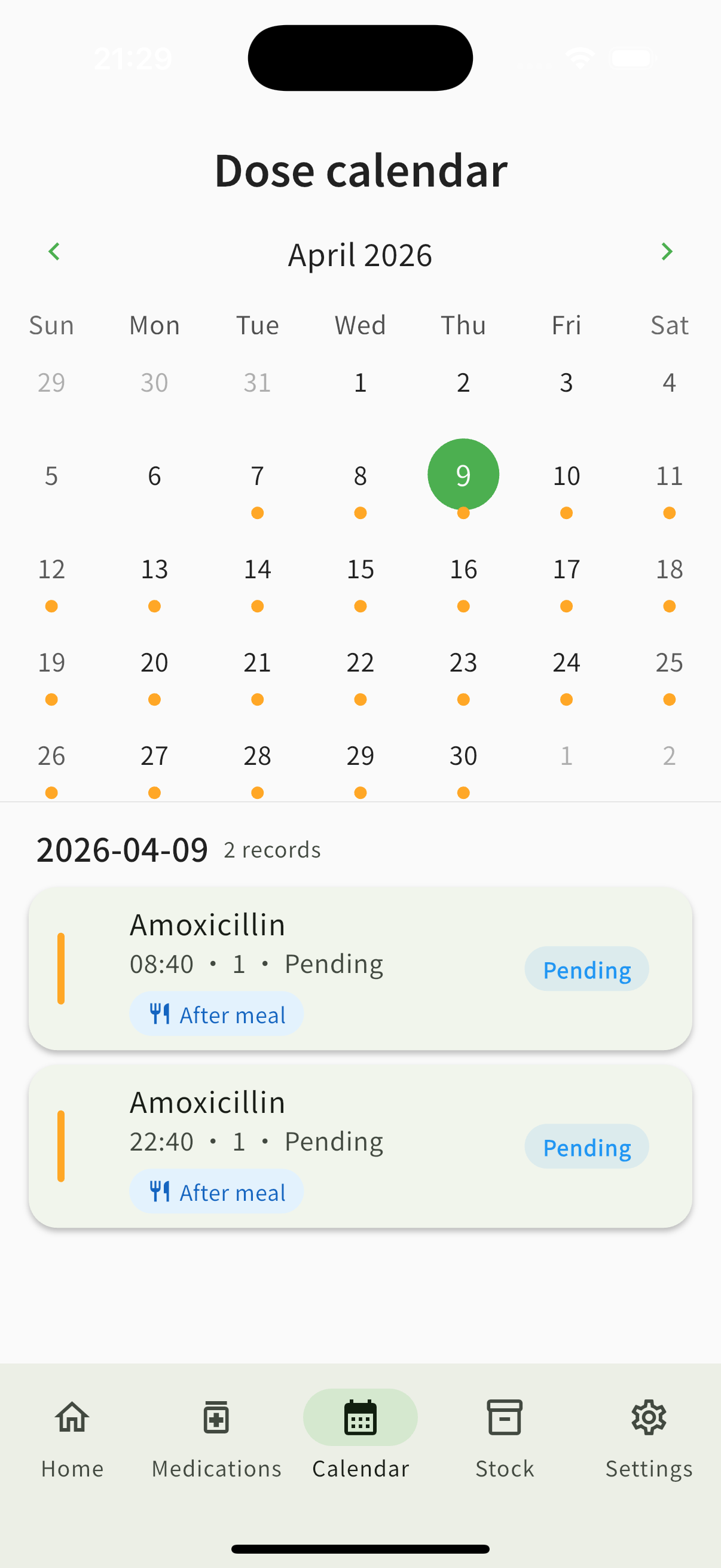
📅 Calendar & history
Calendar markers · Per-day detail · Adherence stats (weekly / monthly)
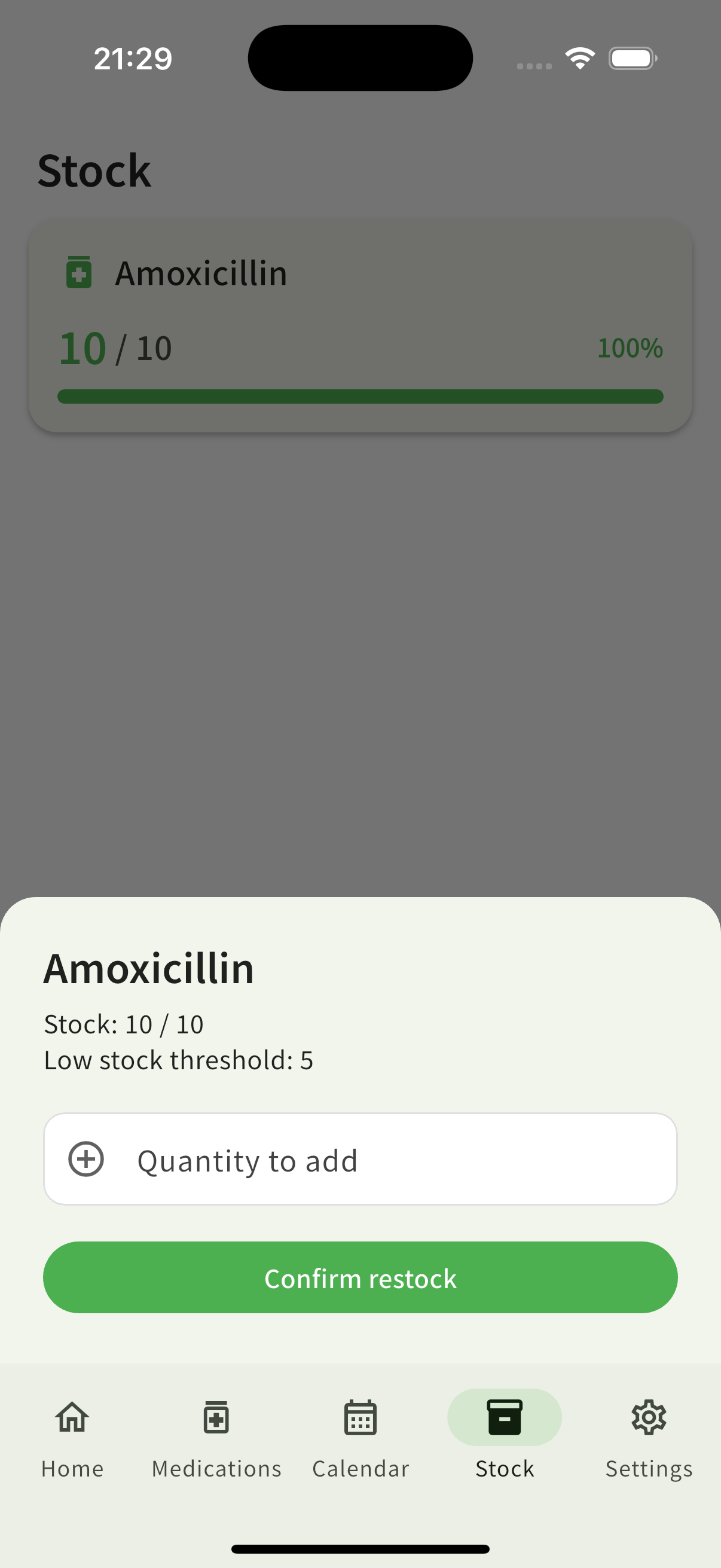
📦 Inventory
Stock levels · Low-stock alerts · Manual restock
⚙️ Settings & data
Light / dark / system theme · Language · Notification options · Clear data · Local backup & restore · About / privacy entry points
🖼 Interface preview
📖 Getting Started
App Store installation
- Search for DoseChime on the App Store (use your live listing name if it differs by locale).
- Tap Get and complete purchase/install.
- On first launch, grant Notifications (and any other prompts), then add profiles and medications.
Important: This app is for reminders and logging only. It does not replace professional medical advice.